Create SQL Server Authenticated Login in SQL Server
Create SQL Server Authenticated Login in SQL Server
sqlserver configurationintermediate
by MSSQL
19 views
Create SQL Server Authenticated Login in SQL Server
123
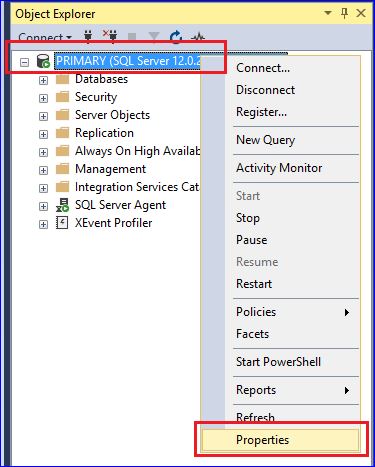
Server Authentication Mode must be set to "SQL Server and Windows Authentication Mode"

Please note: Change of Server Authentication Mode must need SQL Server restart.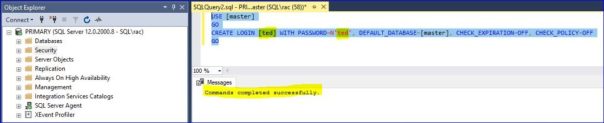
1234
USE [master]
GO
CREATE LOGIN  WITH PASSWORD=N'ted', DEFAULT_DATABASE=[master], CHECK_EXPIRATION=OFF, CHECK_POLICY=OFF
GOPlease to add comments
No comments yet. Be the first to comment!