MS SQL SERVER – Restore & Recover Database without Tail Backup
MS SQL SERVER – Restore & Recover Database without Tail Backup
sqlserver backupintermediate
by MSSQL
21 views
MS SQL SERVER – Restore & Recover Database without Tail Backup
1234567
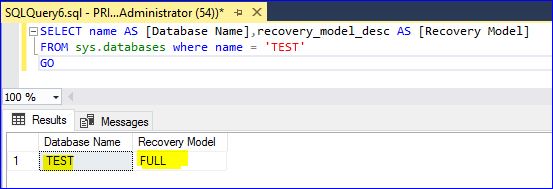
SELECT name AS [Database Name],recovery_model_desc AS [Recovery Model] FROM sys.databases where name = 'TEST'
GO

BACKUP DATABASE [TEST]
TO DISK = N'H:\DB_BACKUP\TEST_NEW\FULL_DB_BACKUP_TEST_261120.bak'
WITH NAME = N'FULL DATABASE BACKUP - TEST',STATS
GO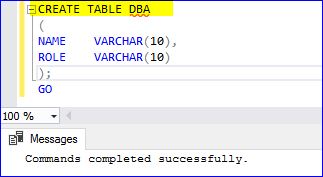
1234567891011121314151617
-- create table DBA
CREATE TABLE DBA
(
NAME	VARCHAR(10),
ROLE	VARCHAR(10)
);
GO
-- Insert data to table
INSERT INTO DBA VALUES ('SUGI','DBA');
INSERT INTO DBA VALUES ('TEJA','DBA');
INSERT INTO DBA VALUES ('BALA','DBA');
INSERT INTO DBA VALUES ('SURENDAR','DBA');

BACKUP LOG [TEST]
TO DISK = N'H:\DB_BACKUP\TEST_NEW\DB_BACKUP_TEST_TLOG_261120.bak'
WITH NAME= N'T-LOG BACKUP FOR DATABASE TEST',STATS
GO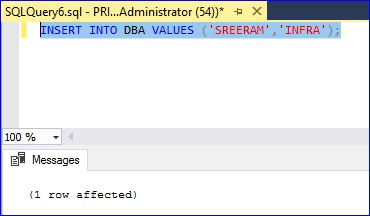
123456
INSERT INTO DBA VALUES ('SREERAM','INFRA');

BACKUP LOG [TEST]
TO DISK = N'H:\DB_BACKUP\TEST_NEW\DB_BACKUP_TEST_TLOG_261120.bak'
WITH NAME= N'T-LOG BACKUP FOR DATABASE TEST',STATS
GO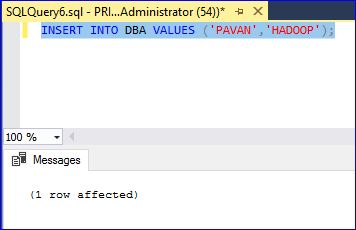
123456
INSERT INTO DBA VALUES ('PAVAN','HADOOP');

BACKUP LOG [TEST]
TO DISK = N'H:\DB_BACKUP\TEST_NEW\DB_BACKUP_TEST_TLOG_261120.bak'
WITH NAME= N'T-LOG BACKUP FOR DATABASE TEST',STATS
GO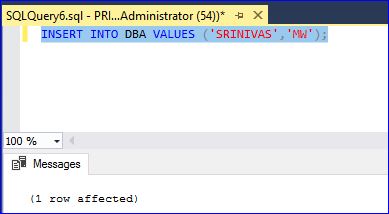
123456
INSERT INTO DBA VALUES ('SRINIVAS','MW');

BACKUP DATABASE [TEST]
TO DISK = N'H:\DB_BACKUP\TEST_NEW\DIFF_DB_BACKUP_TEST_261120.bak'
WITH DIFFERENTIAL,NOINIT, NAME = N'DIFFERENTIAL BACKUP TEST DATABASE',STATS
GO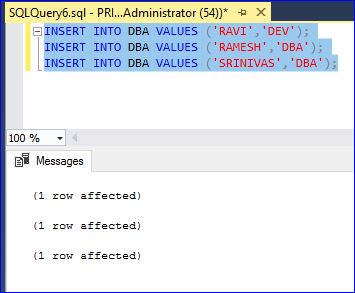
123
INSERT INTO DBA VALUES ('RAVI','DEV');
INSERT INTO DBA VALUES ('RAMESH','DBA');
INSERT INTO DBA VALUES ('SRINIVAS','DBA');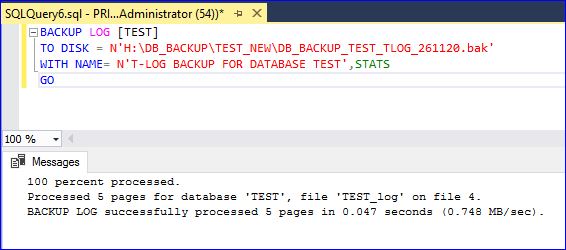
1234
BACKUP LOG [TEST]
TO DISK = N'H:\DB_BACKUP\TEST_NEW\DB_BACKUP_TEST_TLOG_261120.bak'
WITH NAME= N'T-LOG BACKUP FOR DATABASE TEST',STATS
GO
1234567891011121314151617181920212223242526272829
-- List all database backups from last week.
SELECT
CONVERT(CHAR(100), SERVERPROPERTY('Servername')) AS Server,
msdb.dbo.backupset.database_name,
msdb.dbo.backupset.backup_start_date,
msdb.dbo.backupset.backup_finish_date,
msdb.dbo.backupset.expiration_date,
CASE msdb..backupset.type
WHEN 'D' THEN 'Database'
WHEN 'L' THEN 'Log'
END AS backup_type,
msdb.dbo.backupset.backup_size,
msdb.dbo.backupmediafamily.logical_device_name,
msdb.dbo.backupmediafamily.physical_device_name,
msdb.dbo.backupset.name AS backupset_name,
msdb.dbo.backupset.description
FROM msdb.dbo.backupmediafamily
INNER JOIN msdb.dbo.backupset ON msdb.dbo.backupmediafamily.media_set_id = msdb.dbo.backupset.media_set_id
WHERE (CONVERT(datetime, msdb.dbo.backupset.backup_start_date, 102) >= GETDATE() - 7)
ORDER BY
msdb.dbo.backupset.database_name,
msdb.dbo.backupset.backup_finish_date

--Verify Full Backup
RESTORE VERIFYONLY FROM DISK = 'H:\DB_BACKUP\TEST_NEW\FULL_DB_BACKUP_TEST_261120.bak';
-- Verify Diff Backup
RESTORE VERIFYONLY FROM DISK = 'H:\DB_BACKUP\TEST_NEW\DIFF_DB_BACKUP_TEST_261120.bak';
-- Verify T-LOG Backup
RESTORE VERIFYONLY FROM DISK = 'H:\DB_BACKUP\TEST_NEW\DB_BACKUP_TEST_TLOG_261120.bak';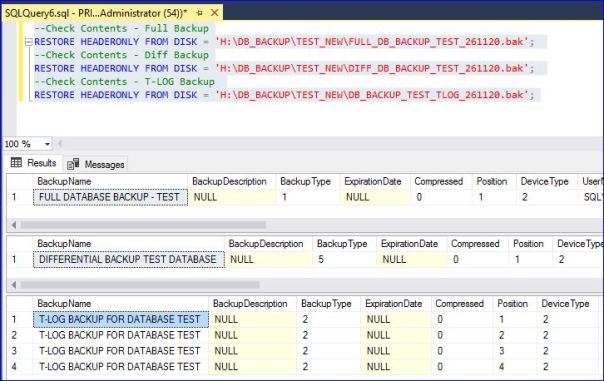
123456
--Check Contents - Full Backup
RESTORE HEADERONLY FROM DISK = 'H:\DB_BACKUP\TEST_NEW\FULL_DB_BACKUP_TEST_261120.bak';
--Check Contents - Diff Backup
RESTORE HEADERONLY FROM DISK = 'H:\DB_BACKUP\TEST_NEW\DIFF_DB_BACKUP_TEST_261120.bak';
--Check Contents - T-LOG Backup
RESTORE HEADERONLY FROM DISK = 'H:\DB_BACKUP\TEST_NEW\DB_BACKUP_TEST_TLOG_261120.bak';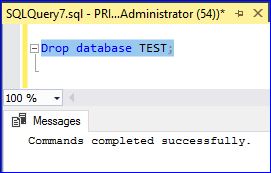
1
Drop database TEST;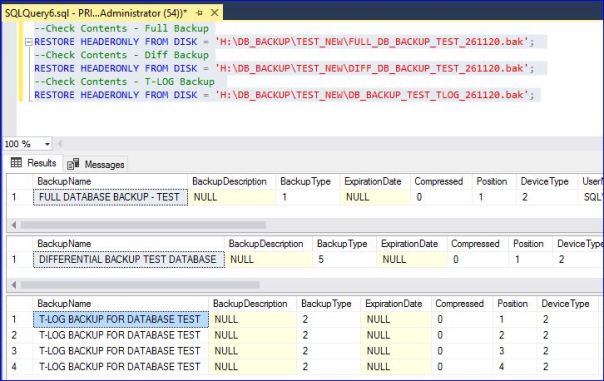
12345678910111213141516171819202122
-- drop database test
DROP DATABASE TEST;
-- Restore Database from FULL DB Backup
RESTORE DATABASE TEST
FROM DISK = N'H:\DB_BACKUP\TEST_NEW\
FULL
_DB_BACKUP_TEST_261120.bak'
WITH FILE = 1,
NORECOVERY,
NOUNLOAD,
STATS = 5
GO
-- Restore Database from LAST DATABASE DIFFERENTIAL BACKUP
RESTORE DATABASE TEST
FROM DISK = N'H:\DB_BACKUP\TEST_NEW\
DIFF
_DB_BACKUP_TEST_261120.bak'
WITH
NORECOVERY,
NOUNLOAD,
STATS = 5
GO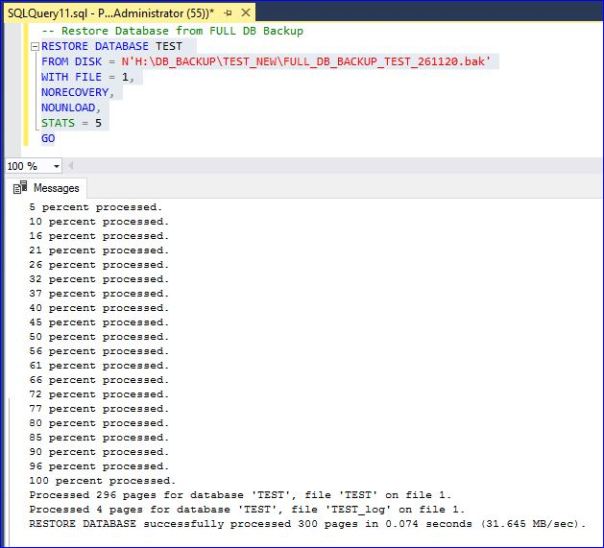
12345678910111213141516
-- Recover Database using T-LOG Which was taken after LAST DB DEFFERENTAIL Backup
-- DB Differential Backups always Cumulative (It will take backup from Last Full backup only, Not from Last Cumulative Backup)
No need to use T-LOG FILES
1,2 and 3
for recovery, because we took DB Differential Backup before T-LOG (4th time backup). Hence we need T-LOG File 4 only required for recovery.
T-LOG 1,2 and 3 No more required.
RESTORE LOG TEST
FROM DISK=N'H:\DB_BACKUP\TEST_NEW\DB_BACKUP_TEST_
TLOG
_261120.bak'
WITH FILE = 4,
RECOVERY
,
NOUNLOAD,
STATS = 5
GO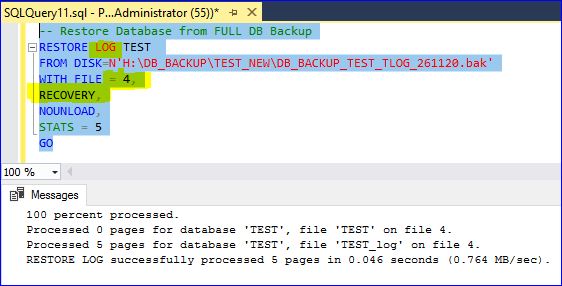
Please to add comments
No comments yet. Be the first to comment!